Learning HUB
Welcome aboard—this is your one-stop hub for mastering everything ScoutBall AI.
Your Complete Command Center for Youth Baseball & Softball: Drafting, Player Development & AI Driven Analytics
Step-by-step video tutorials for ScoutBall AI, the youth baseball and softball analytics app. Learn how to import GameChanger stats, run tryouts and drafts, build lineups and defensive alignments, chart pitches, and create player development plans.
Quick Walk-Through Guides
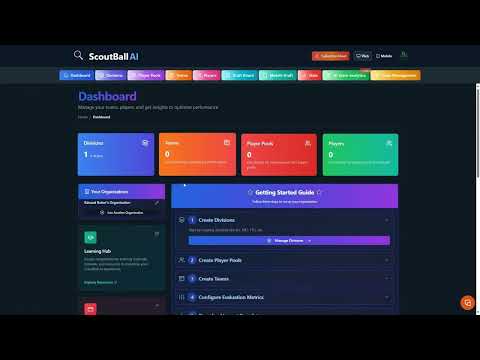
Guided Setup: Divisions, Pools & Teams
Set up your league or organization in ScoutBall AI: create divisions, player pools, and teams so tryouts, drafting, and analytics are organized from day one.
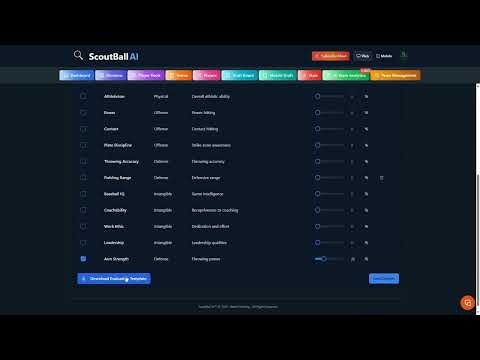
Configuring Player Evaluation Metrics
Choose and weight the metrics used to evaluate players at tryouts, so rankings reflect what your program values most in hitting, pitching, and fielding.
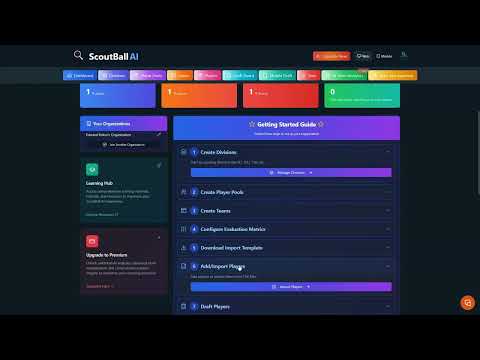
Importing Player Data for Tryouts
Import player lists and tryout scores into ScoutBall AI to build a ranked evaluation board before draft day.
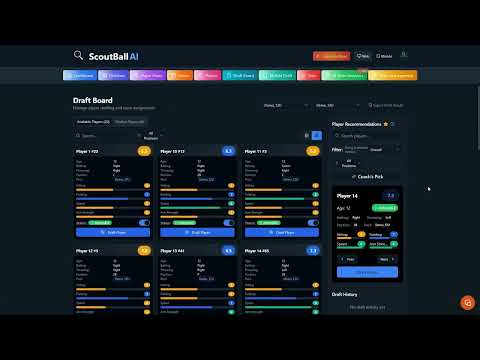
Drafting Players to Your Team
Use ScoutBall AI's drafting tools to pick players from your ranked board and build balanced youth baseball and softball rosters.
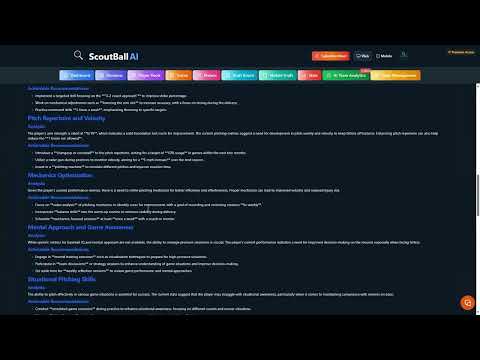
Player Analytics & Development Strategies
Read each player's analytics report, from OBP and OPS to strikeout and walk rates, and turn the numbers into development strategies that improve performance.
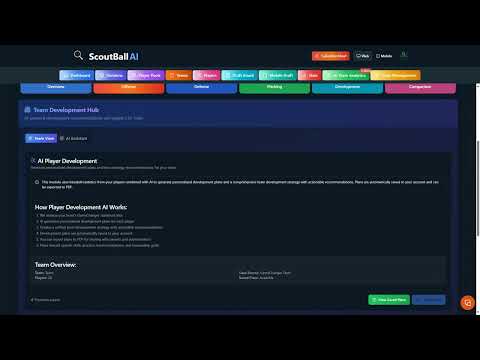
Development Plans & Exit Interviews
Generate personalized player development plans and use them to run clear, data-backed end-of-season exit interviews with players and parents.
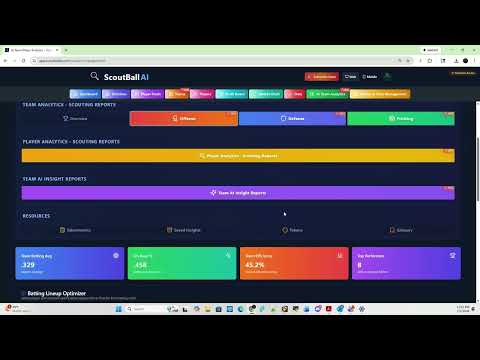
Fast GameChanger Import for Instant Analytics
Import your team's GameChanger stats into ScoutBall AI and get full analytics, lineup recommendations, and player reports in minutes.

Register to Analytics in 3 Minutes
Create your ScoutBall AI account, add your team, and go from sign-up to your first analytics report in about three minutes.
Step-by-Step How-To Guides
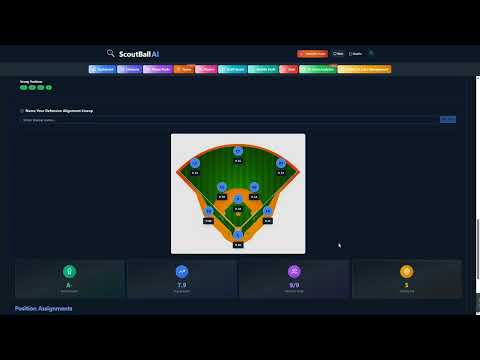
Defensive Alignment Feature Walkthrough
Auto-generate defensive alignments from player rankings and positions, visualize the field for each inning, and manage rotations and fair playing time.
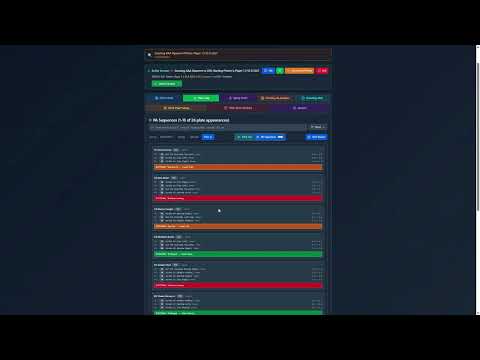
AI-Powered Pitch Chart Walkthrough
Chart pitches in Game, Bullpen, or Scouting mode, track pitch types and locations, and review AI reports on command, zone control, and pitcher workload.

Getting Started Guide: Part 1
A complete first-time walkthrough of ScoutBall AI: account setup, team creation, and the core tools for youth baseball and softball coaches.
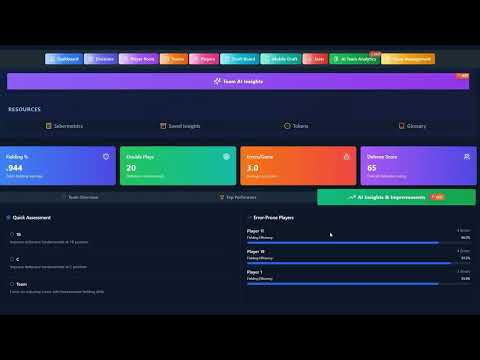
Getting Started Guide: Part 2
Continue the getting-started series with ScoutBall AI analytics: reading player reports, building lineups, and using insights in practice and games.
Product Overview Videos
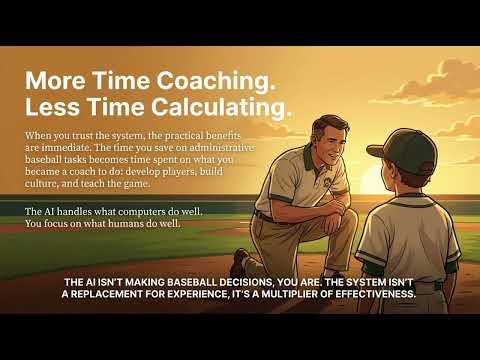
ScoutBall AI: The Digital Assistant Coach
See how ScoutBall AI acts as a digital assistant coach, turning GameChanger stats into lineups, scouting reports, and practice plans.
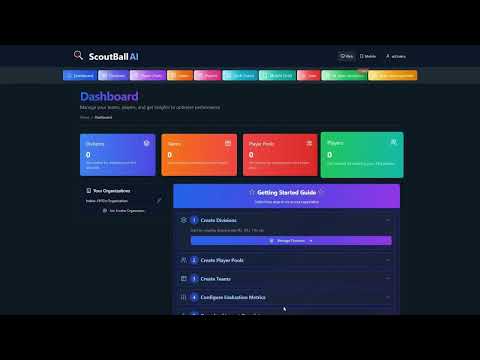
Getting Started Promo: Part 1
A quick preview of getting started with ScoutBall AI's youth baseball and softball analytics platform.

Turn Stats into AI Insights in 3 Minutes
Watch GameChanger stats become AI-powered lineup and player development insights in about three minutes.